Modern template
Modern resume template, still ATS-friendly
Sans-serif type, a blue bar beside your name and each section heading, dash bullets and skills drawn as outlined tags.
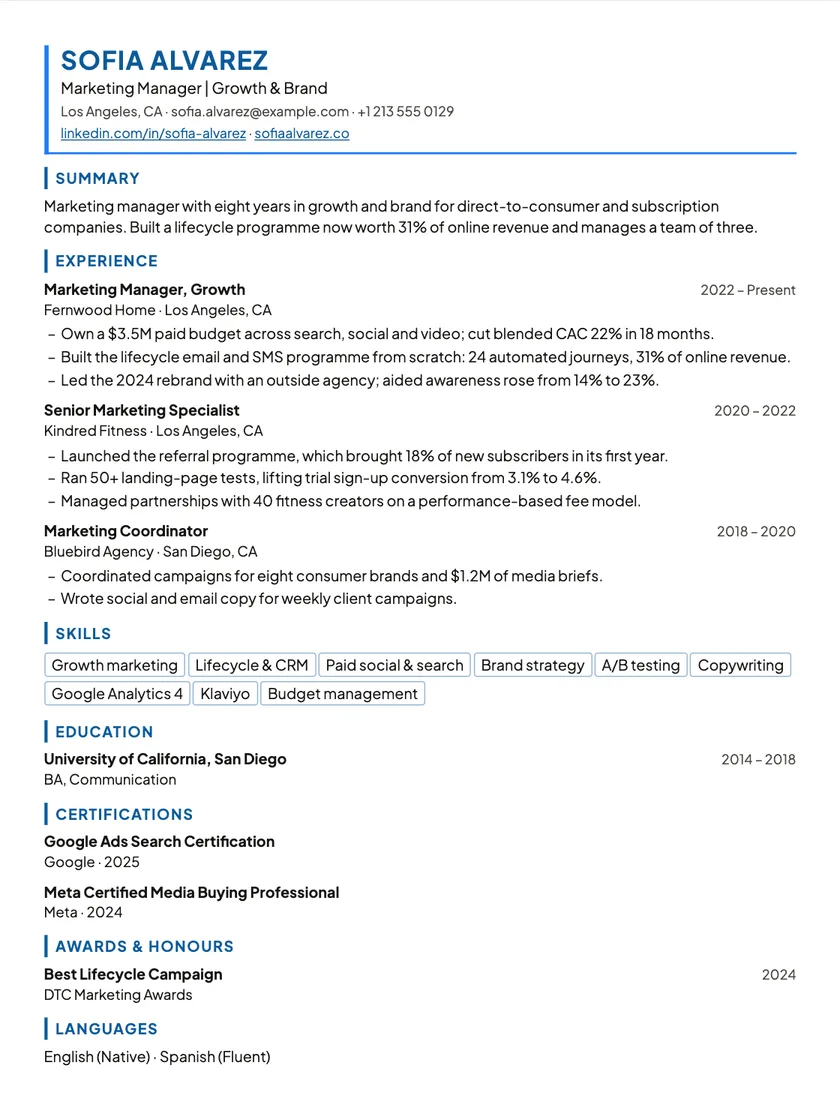
What this layout looks like
- Layout: Sans headers · accent rules.
- One column in reading order, with standard headings, so applicant tracking systems read it top to bottom.
- Part of Premium.
- Download as PDF or Word, free on every plan.
- No photo slot, which suits most US and UK applications.
Who it is for
It is still one column in reading order, so the colour is decoration, not structure: a recruiter sees something current and a parser reads it top to bottom.
Using colour without losing the reader
- Keep the summary to two or three lines; the accent bar already draws the eye to the top.
- Use the skill tags for concrete tools and methods, not adjectives like “hard-working”.
- If the accent colour does not suit the company, change it in Customize; your content stays put.
How to use this template
Bring your experience in
Import your old PDF or Word resume, or your LinkedIn profile, into your career profile. You review every section before it is saved.
Open it on this template
Pick this layout and your resume opens in the editor. Switching template later never changes your content.
Edit on the page and check it
Click any line and type. Run the free ATS check and the quality check, then download a PDF or Word file.
New to applicant tracking systems? Read how to build an ATS-friendly resume, or see everything the editor does.
Modern template
Questions about this template
Can I change the accent colour?
Yes. Customize lets you change the accent colour and other design details, and the change shows on the page as you click.
Do the skill tags cause problems for an ATS?
They are ordinary text in the PDF, listed in one column, so a parser reads them as a list of skills.
Which roles suit the Modern template?
Marketing, product, sales and other roles where a touch of colour reads as current, as long as the employer accepts a little design.
Still unsure? Write to hello@resumhero.com.
More templates
Other layouts to consider
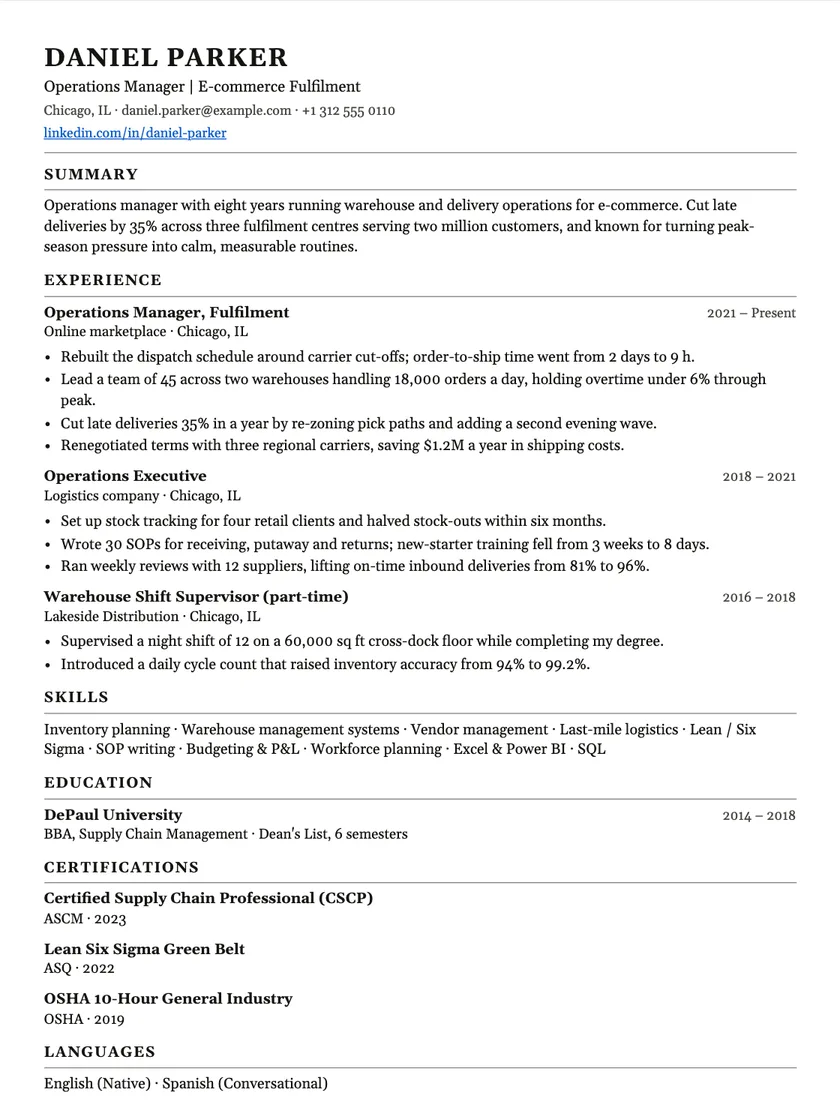
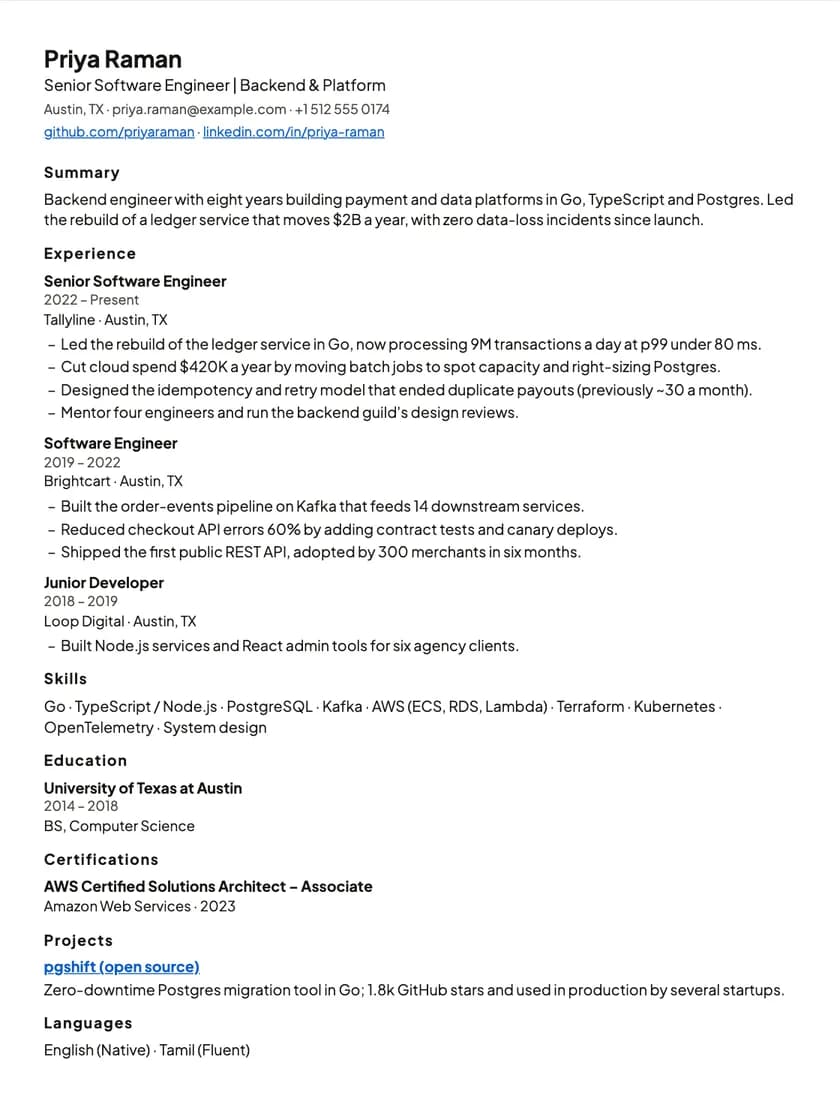
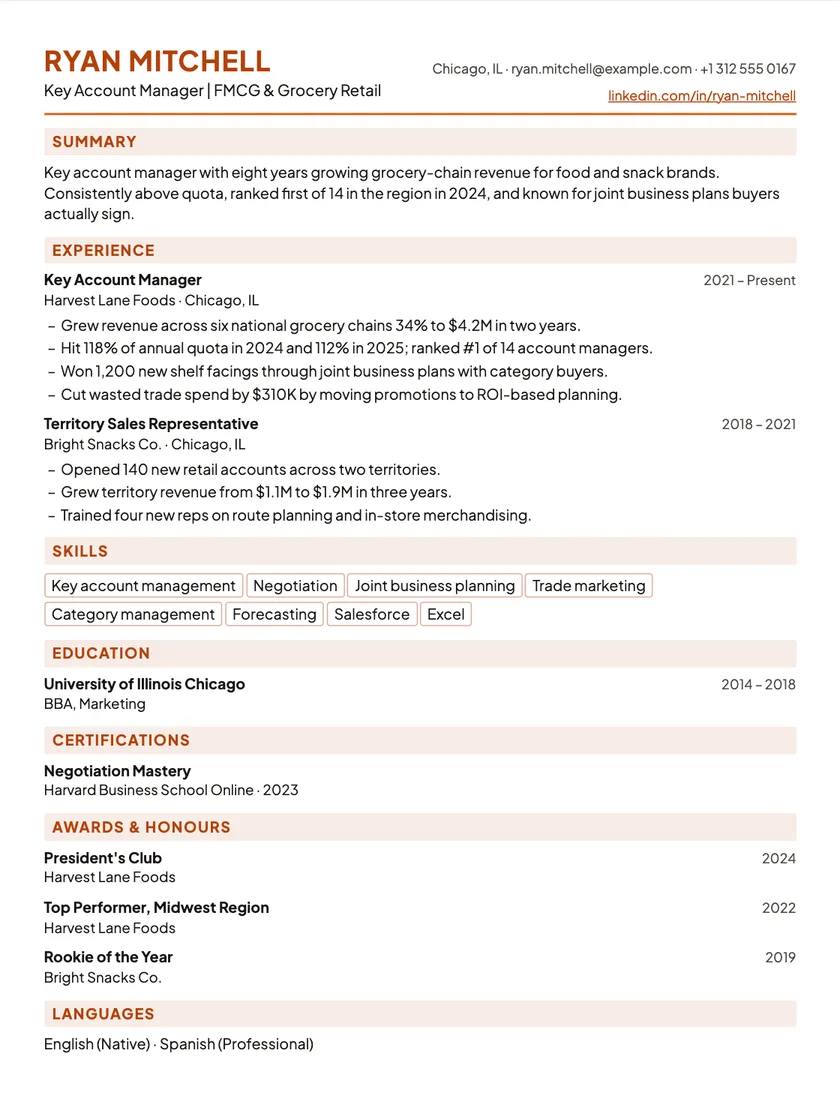
Start your resume on Modern.
Bring in the resume you already have, and it opens on this layout in the editor. Switch template any time without retyping.