Nordic template
Nordic: an airy resume template with a right column
Experience leads on the left in a wide column, with skills, tools and education in a calm blue column on the right and plenty of white space.
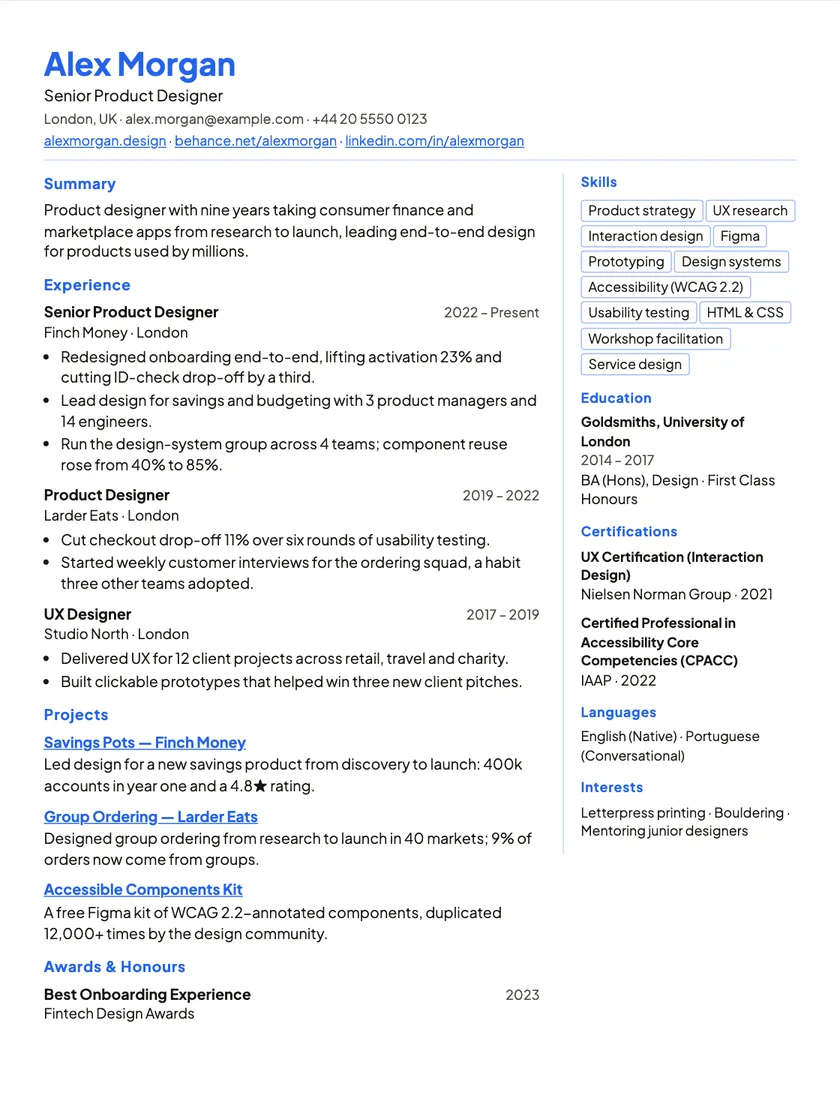
What this layout looks like
- Layout: Right column · airy blue.
- Sidebar on the right: people see it as designed, but some applicant tracking systems read columns out of order, so the app labels it “Design · limited ATS”.
- Part of Premium.
- Download as PDF or Word, free on every plan.
- No photo slot, which suits most US and UK applications.
Who it is for
For designers, product people and marketers who want breathing room and a page that feels considered.
Letting the work breathe
- Keep bullets short; white space only helps if the text is tight.
- Link your portfolio or case studies in your contact details.
- Use the right column for tools you actually use day to day.
How to use this template
Bring your experience in
Import your old PDF or Word resume, or your LinkedIn profile, into your career profile. You review every section before it is saved.
Open it on this template
Pick this layout and your resume opens in the editor. Switching template later never changes your content.
Edit on the page and check it
Click any line and type. Run the free ATS check and the quality check, then download a PDF or Word file.
New to applicant tracking systems? Read how to build an ATS-friendly resume, or see everything the editor does.
Nordic template
Questions about this template
Is a two-column resume bad for applicant tracking systems?
Some tracking systems read columns out of order, which is why the app labels this layout “Design · limited ATS”. For a resume a person reads first (a referral, an email, a printout) it is fine; for online applications, switch to a one-column template. Your content stays the same.
Why is the column on the right?
So your experience is the first thing read, while skills stay visible beside it.
Can I add portfolio links?
Yes. Links in your contact details and entries stay clickable in the PDF.
Still unsure? Write to hello@resumhero.com.
More templates
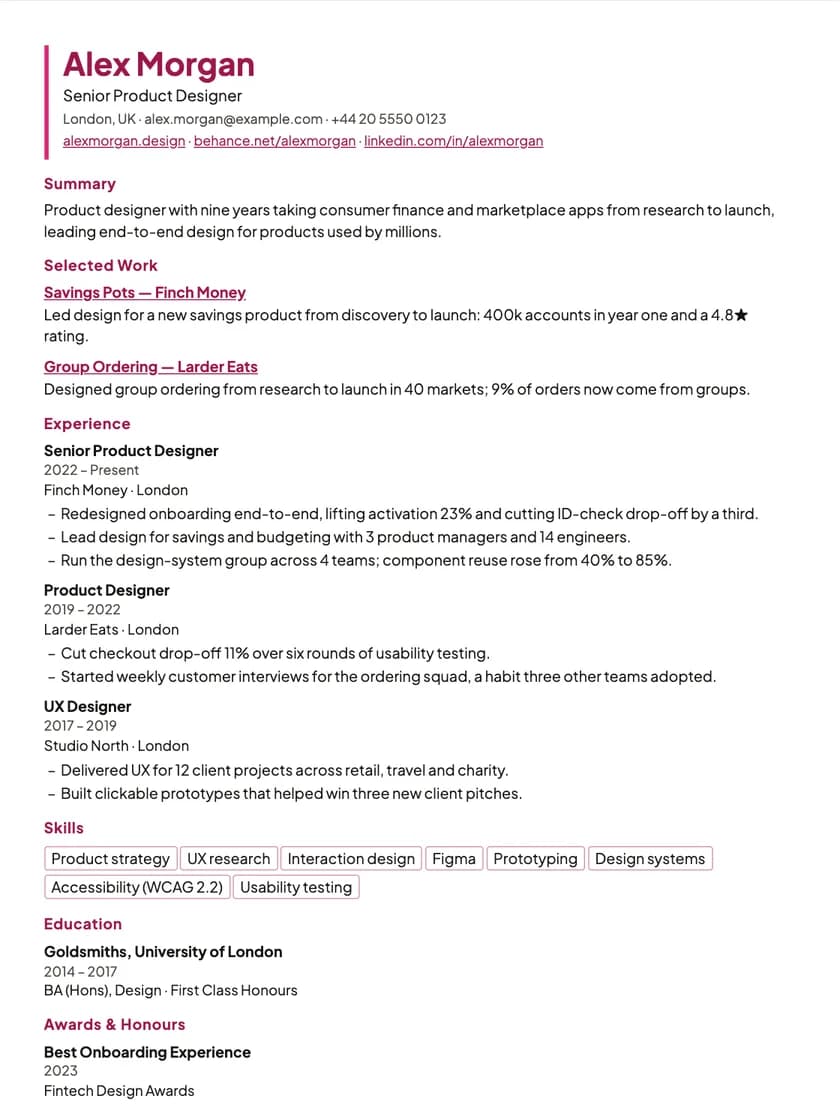
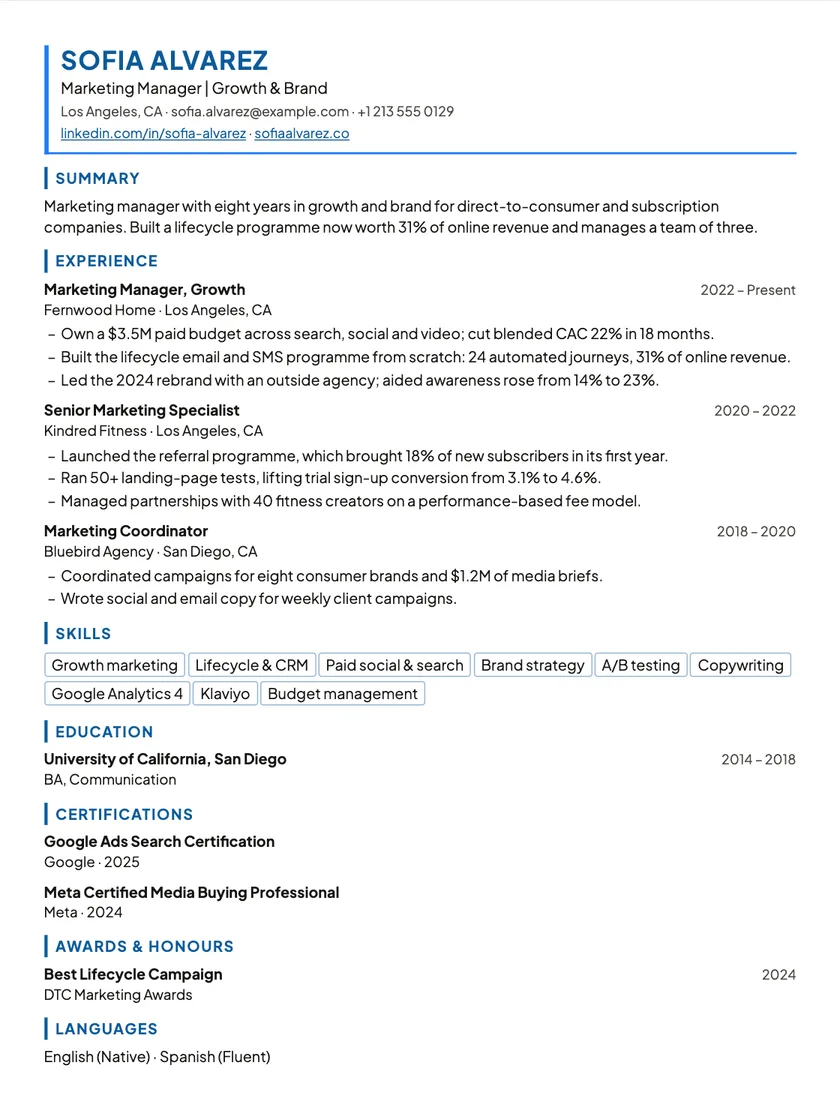
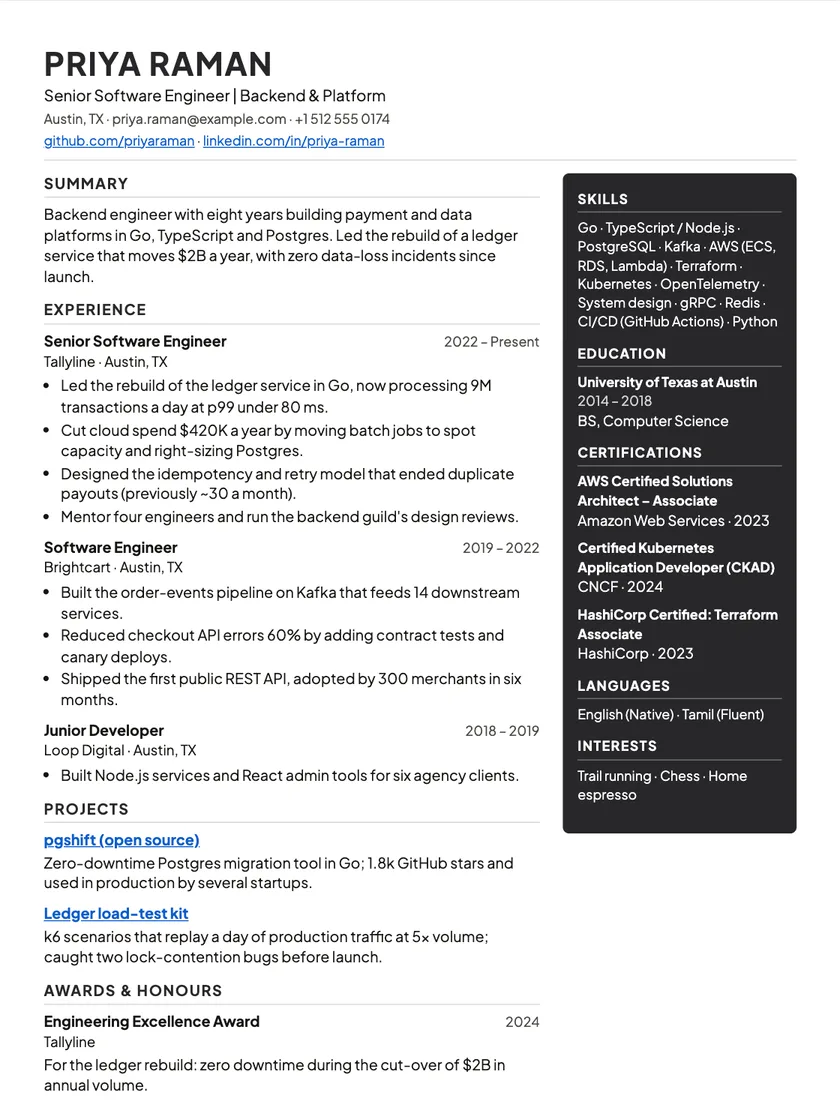
Other layouts to consider
Start your resume on Nordic.
Bring in the resume you already have, and it opens on this layout in the editor. Switch template any time without retyping.