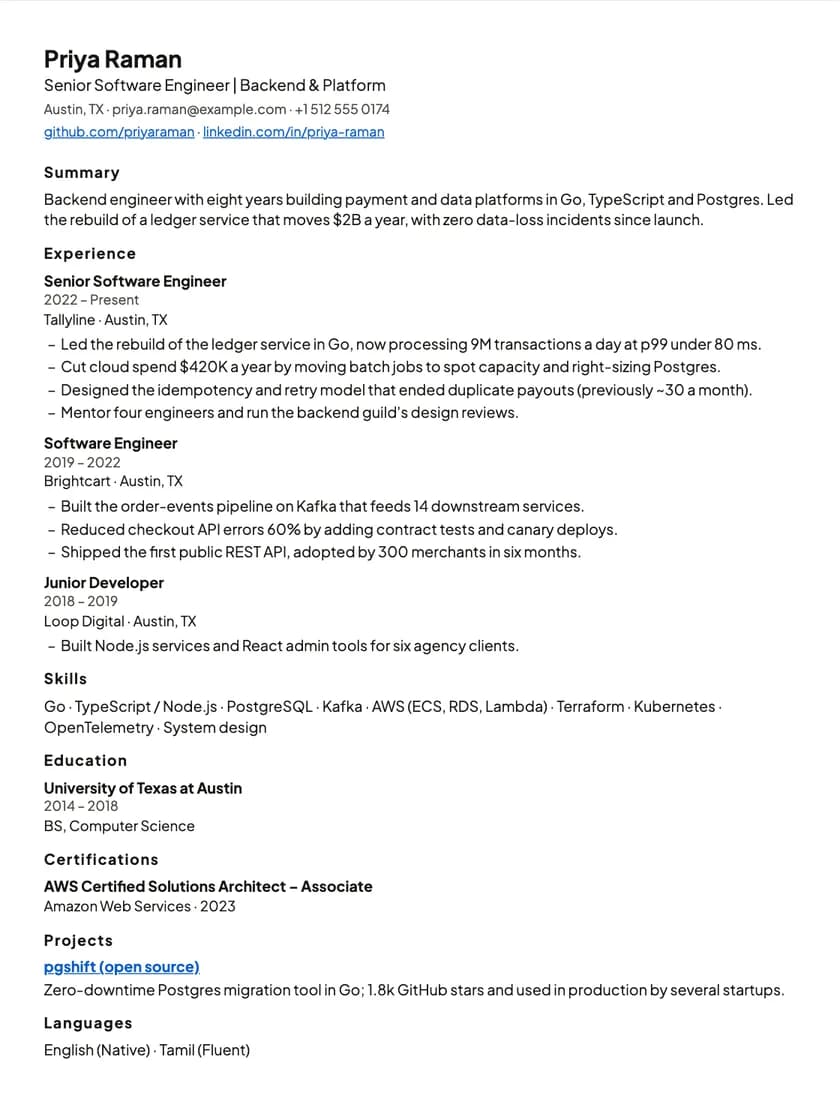
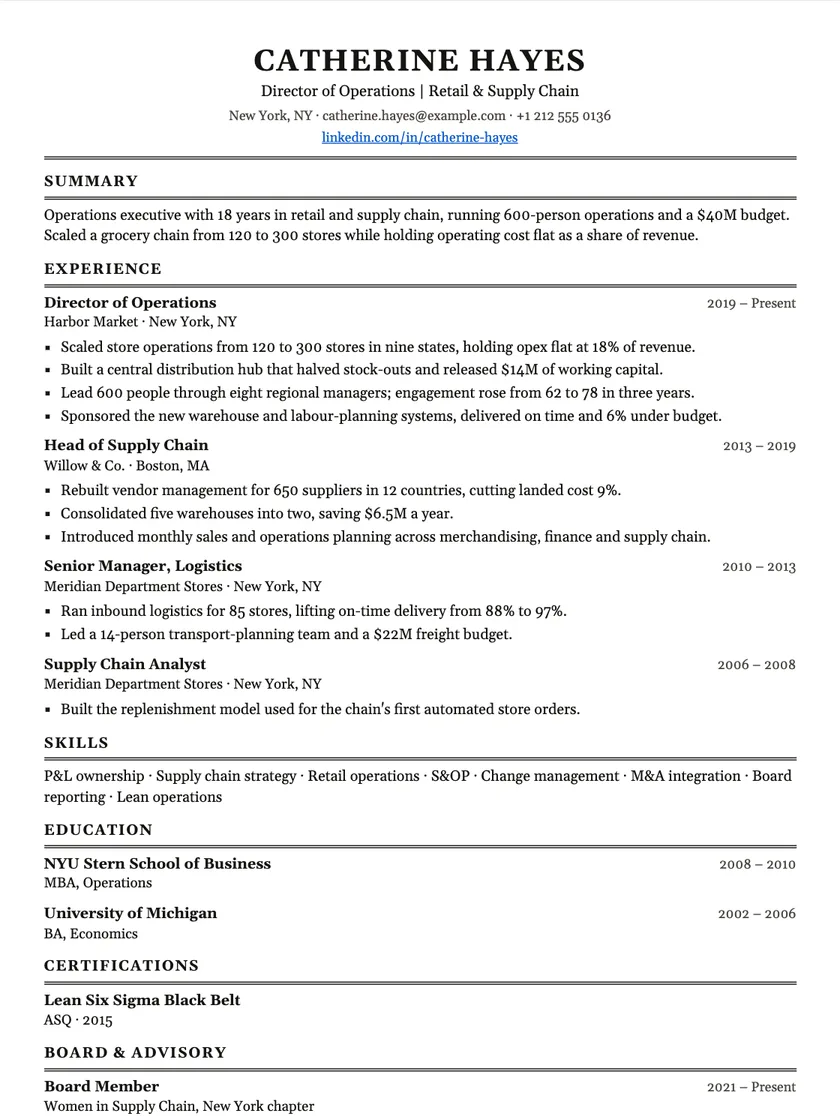
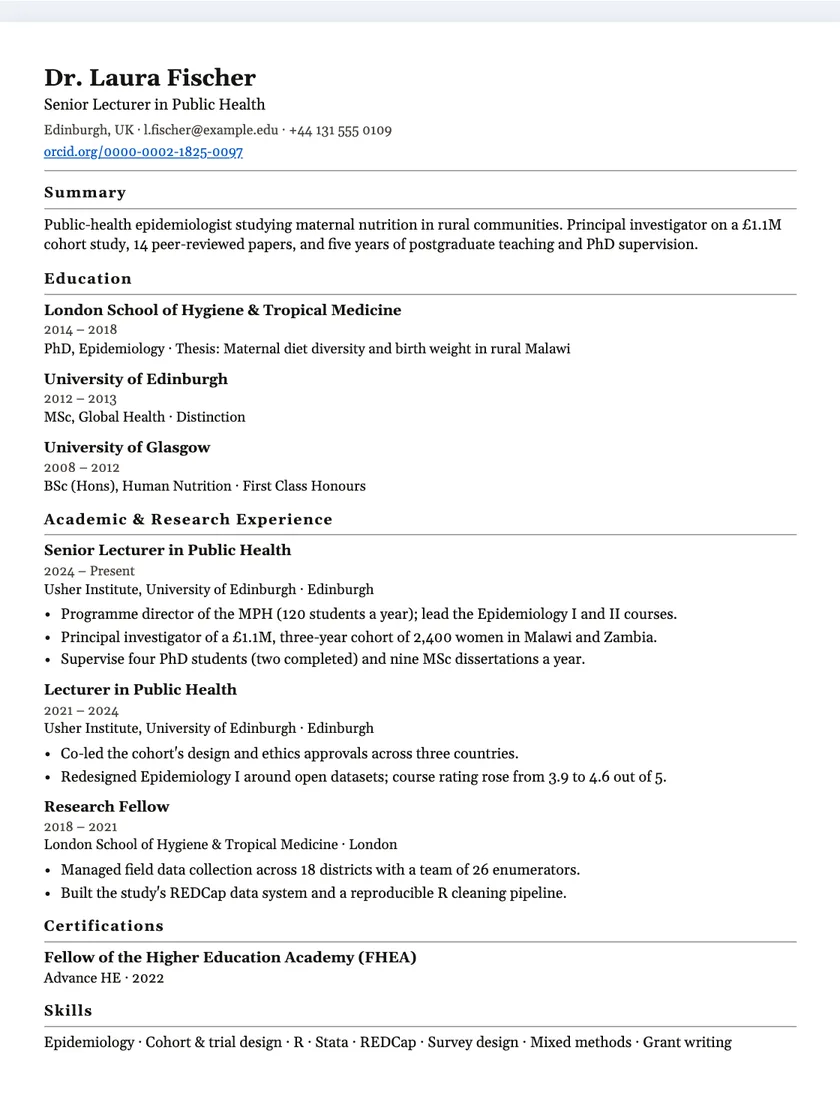
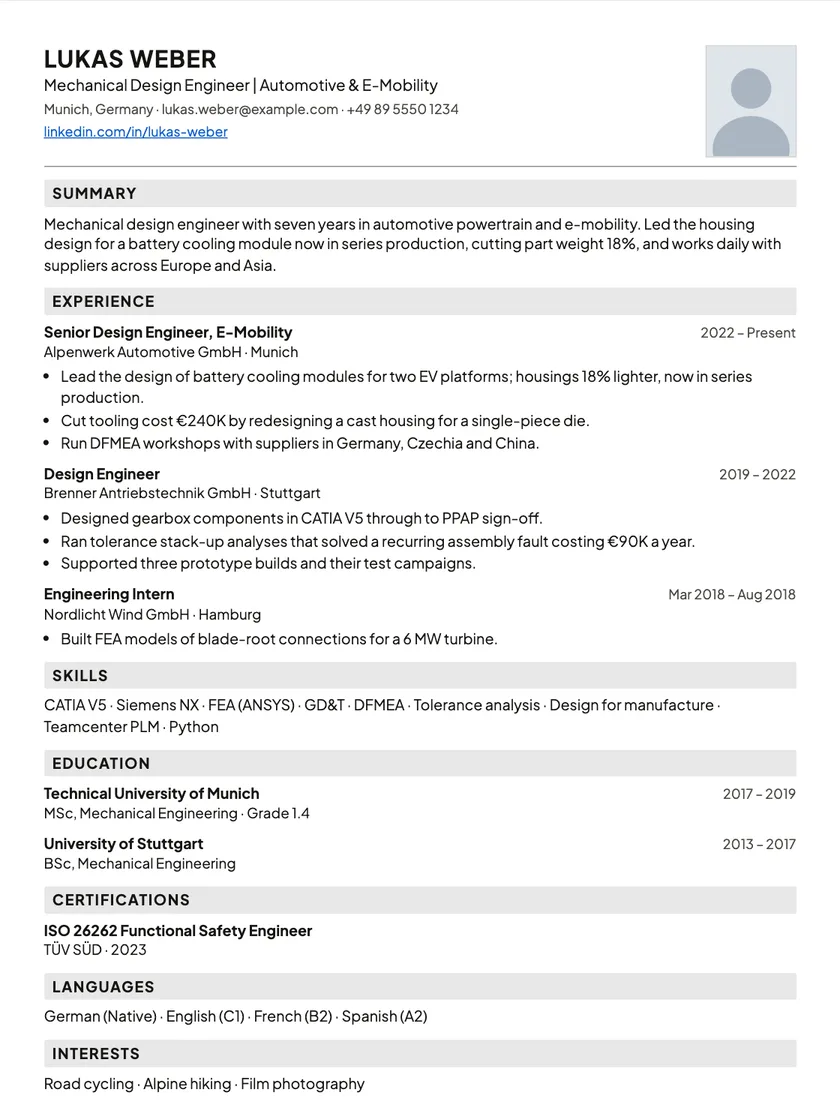
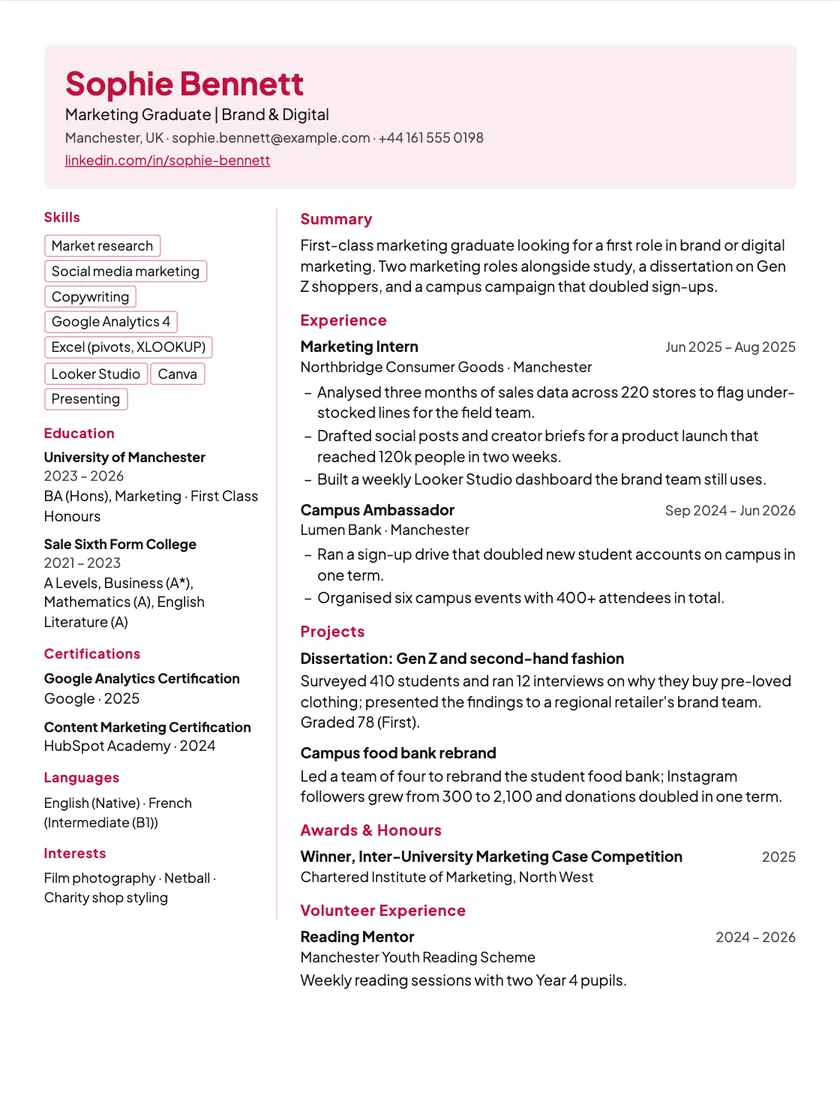
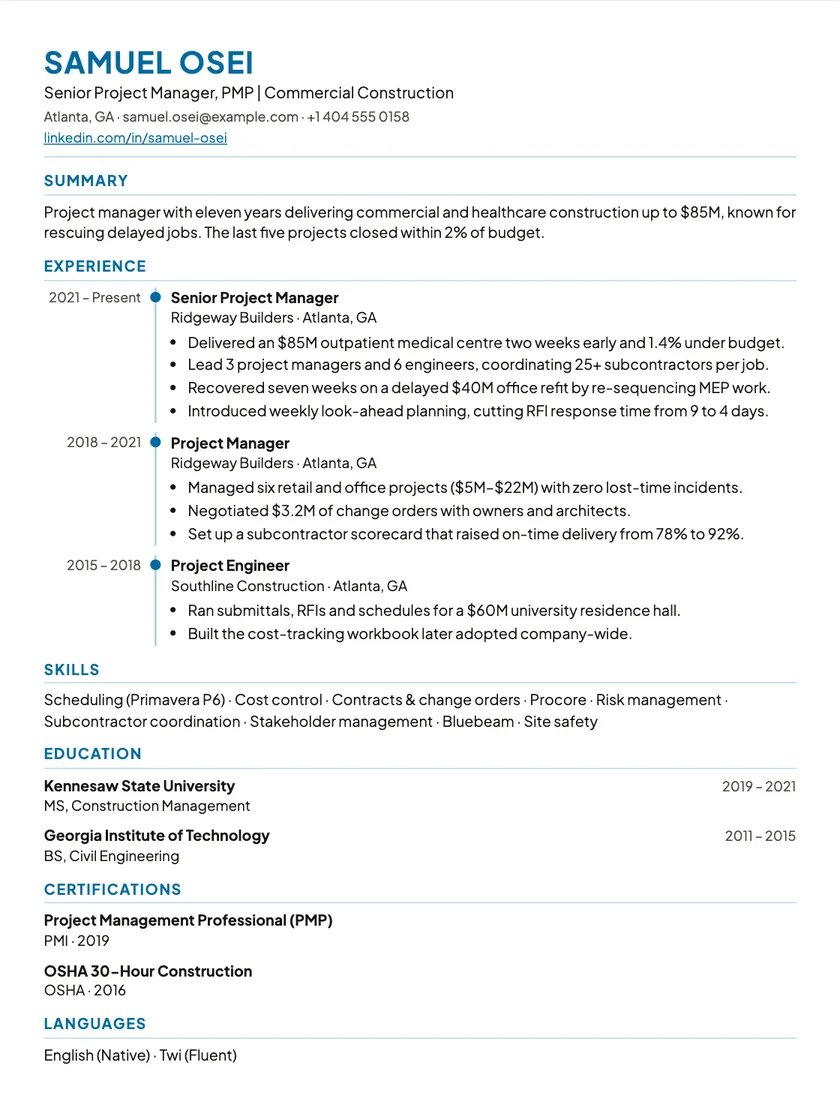
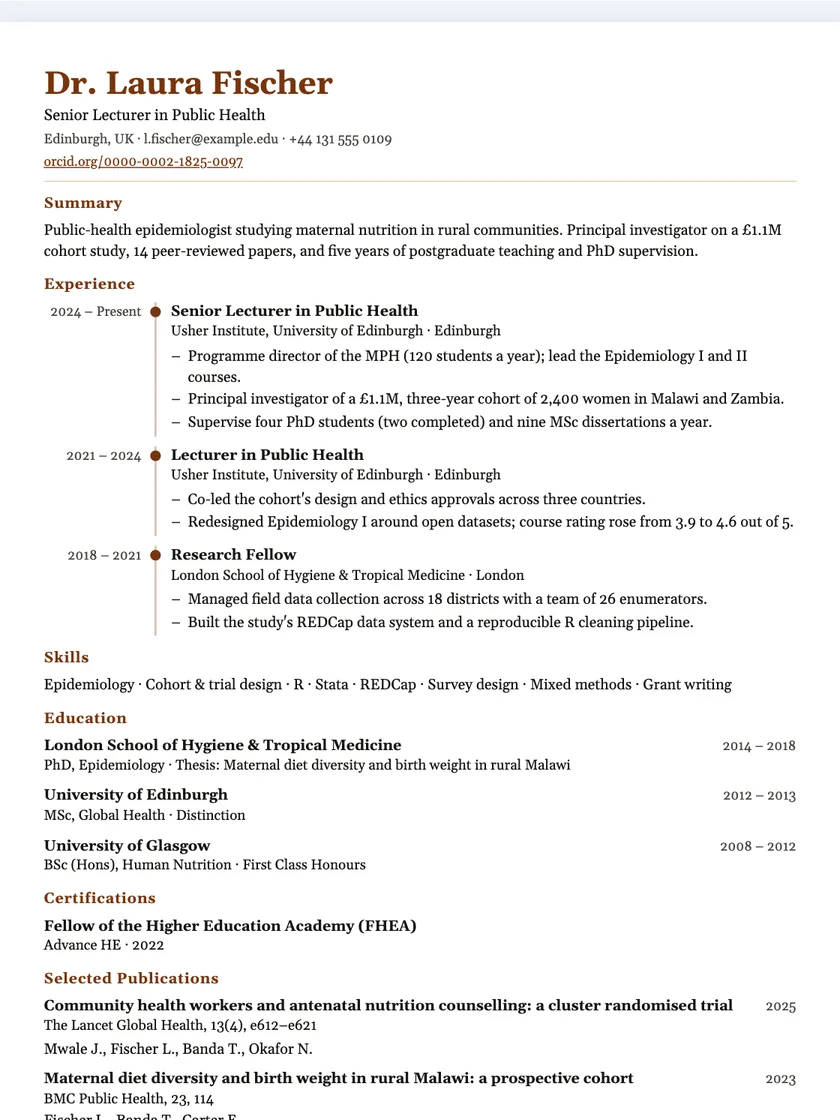
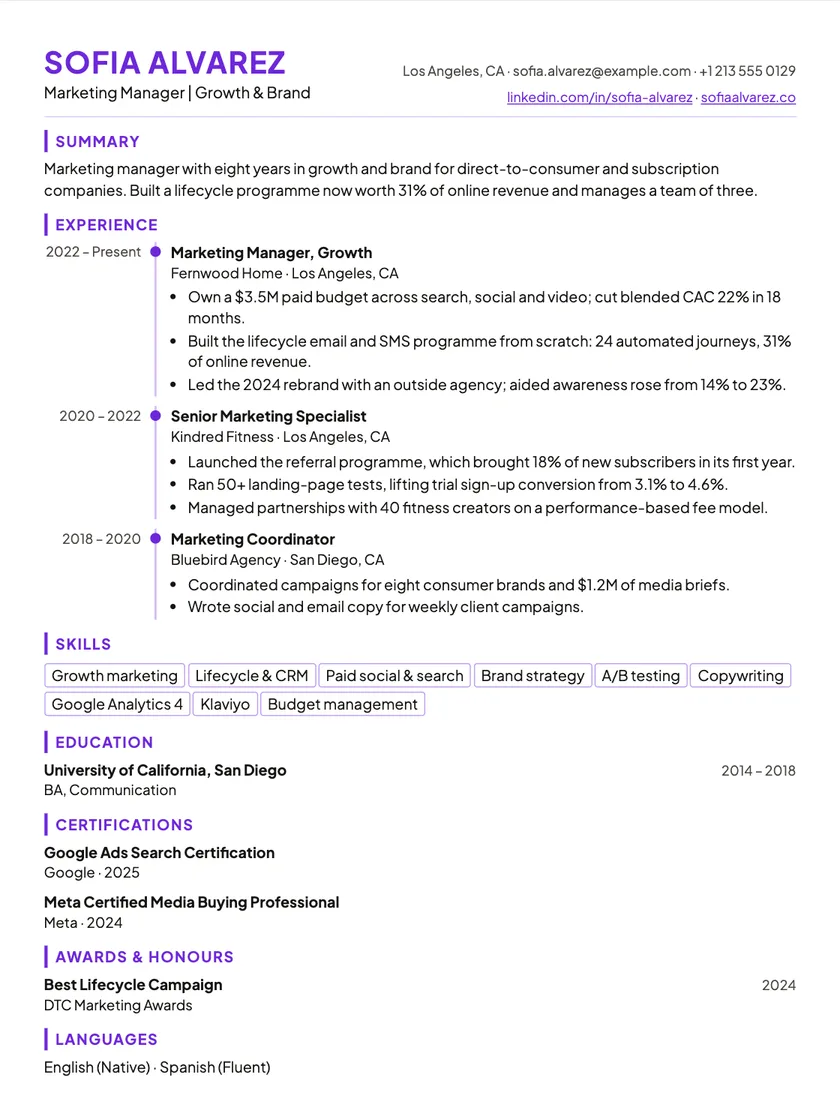
Free AI resume and CV builder · ATS-friendly

Build your resume once. Tailor it for every job.

ResumHero is an AI resume and CV builder with one career profile behind every version. Paste a job description, see what your resume is missing, and tailor it before you apply. It never invents a job, a date or a number about you.

No sign-up to start, no card. One resume and one template on the free plan, for as long as you like.

Example: tailoring a resume to a job

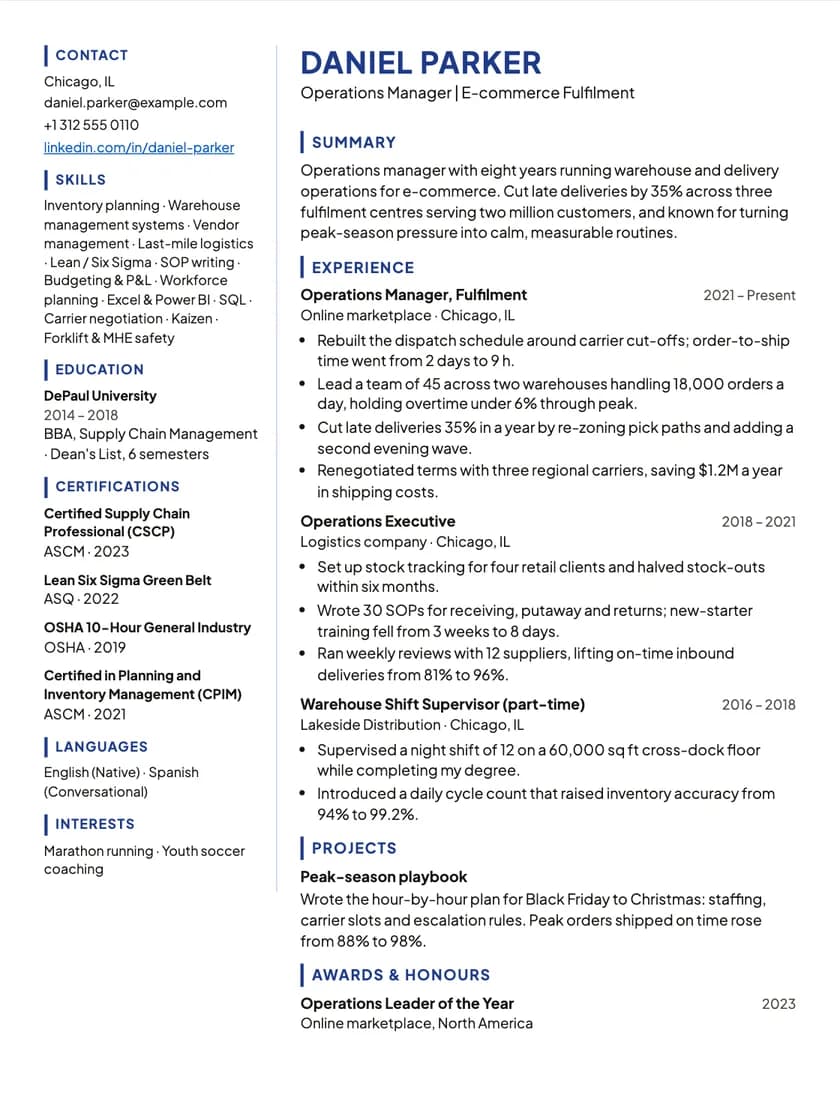
Daniel Parker
Operations Manager · Chicago, IL
Summary

Operations manager focused on e-commerce fulfilment: six years running warehouses, dispatch and vendor networks at scale.

Experience
Operations Executive2018 – 2021
Logistics company, Chicago
  • Set up stock tracking for four retail clients and halved stock-outs.
Operations Manager, Fulfilment2021 – now
Online marketplace, Chicago
  • Responsible for the dispatch schedule.
  • Lead a team of 45 across two warehouses handling 18,000 orders a day.
Skills

Inventory planning · Vendor management · Logistics · SOPs · Excel

Senior Operations Manager · retail
Match score67% → 73%estimated

Suggested changes

Playing an example. Tap Apply to try it yourself. In the app nothing changes until you finish, and you can undo any change before then.

One paste
a job ad compared against your resume
PDF + DOCX
export, free on every plan, ATS-readable
ATS-ready
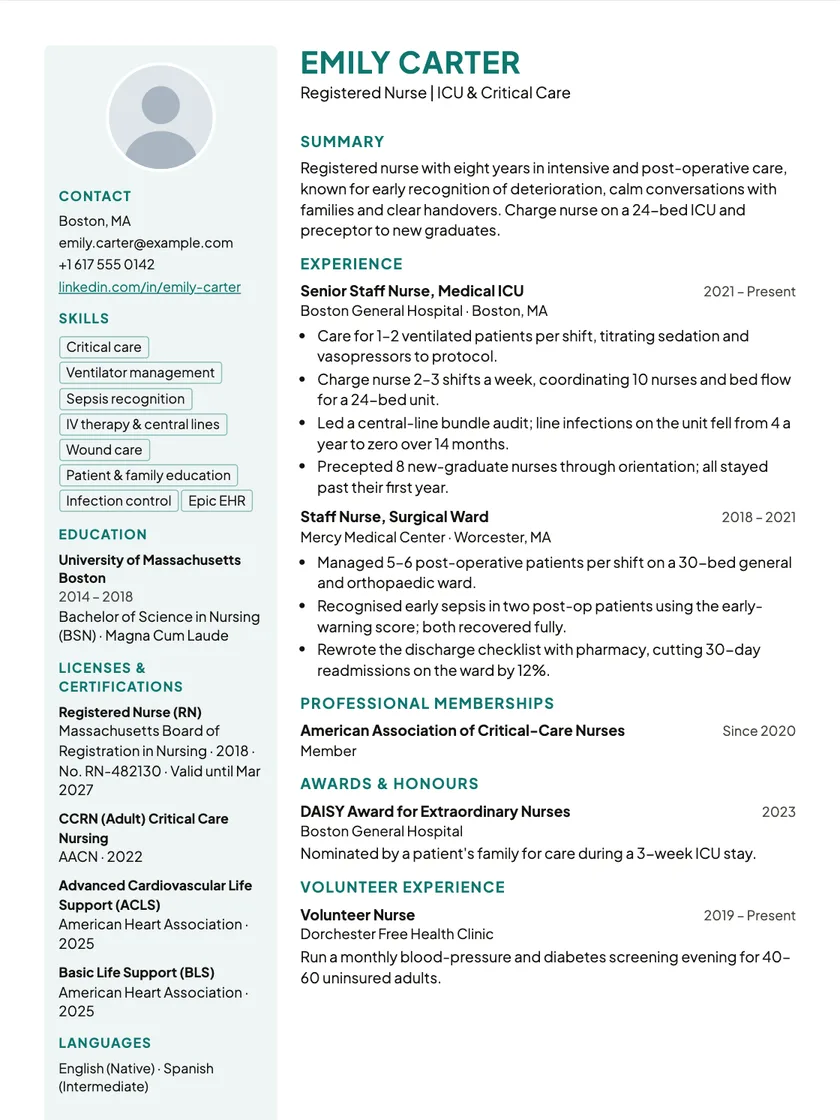
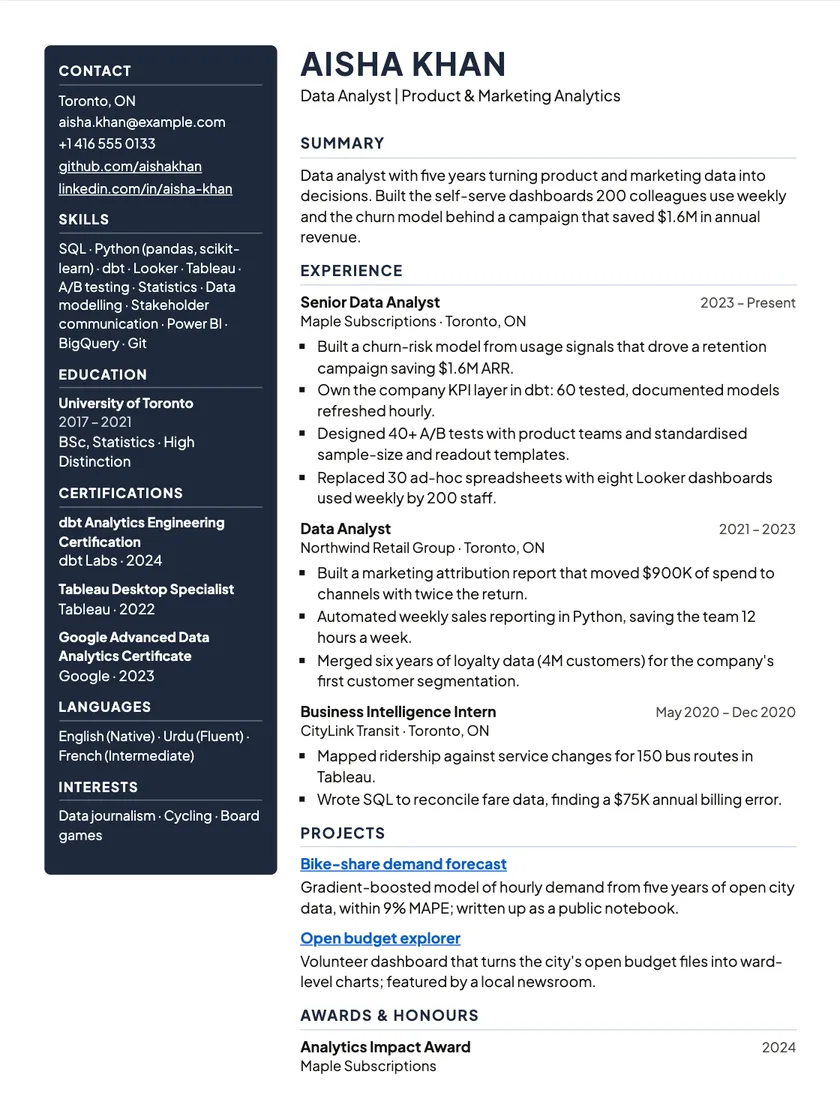
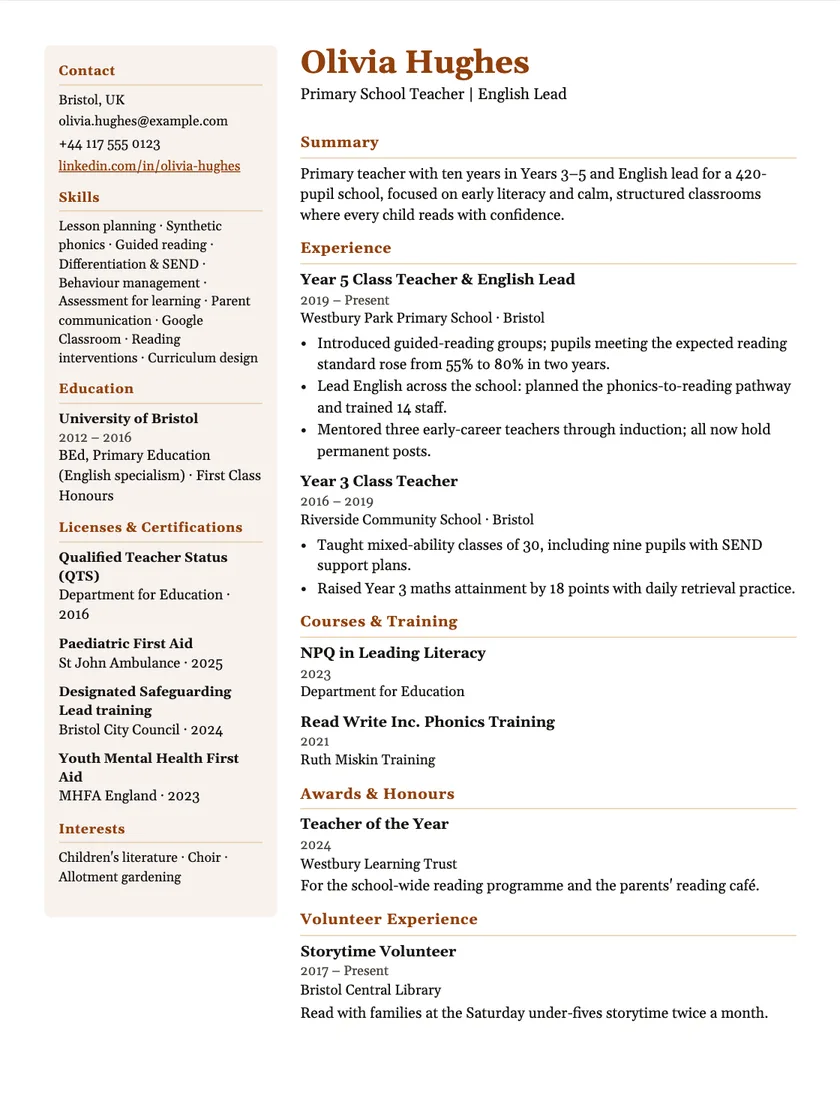
15 one-column templates that parse cleanly; one template is free
Nothing invented
the AI rephrases what you wrote, nothing more

One profile in. Your resume, tailored to each job.

Most builders make you start over for each application. Here the work you did once keeps paying off.

  1. 1

    Put your career in one place

    Import the resume you already have as a PDF or Word (.docx) file, or your LinkedIn profile, into one career profile. No resume yet? Start from a job title with a starter resume you fill in.

  2. 2

    Tailor it to the job, not to everyone

    Paste the ad. The matcher scores skills, experience, keywords and formatting, lists what is missing, and offers rewrites you approve one at a time.

  3. 3

    Send it, then find out what worked

    Download the PDF or Word file, log the application, and see what actually gets you interviews.

The editor

Edit your resume right on the page.

No forms to fill in and no preview to compare against. Click any line of your resume and type: you edit it in the template’s own layout, so the page you see is the page you send.

  • Click and type

    Your name, dates, headings and bullets are edited where they sit. Each change saves on its own when you click away or press Enter; Esc undoes it.

  • Format in place

    Select text in a summary or a bullet for bold, italic, a link, or a bulleted or numbered list.

  • Move, hide or delete

    Hover a section or an entry for its tools, or drag it in the sections list. A hidden entry stays in the editor and out of the PDF.

  • Preview is the real PDF

    Switch to Preview to see the exact file Download gives you, page by page.

  • Make it yours

    Change template without retyping a word, pick a font, and add a photo on the Premium templates that have a photo slot.

Try the editor

Everything between the old resume and the offer.

Fill it in once. Reuse it everywhere.

Personal details, experience, skills, projects, education and certifications live in one profile, and every new resume starts from it. Each resume is then its own copy, so tailoring one never changes another.

  • Drop in an old PDF or DOCX, up to 10 MB. The import reads roles, skills and projects out of it.
  • The file is read once and then discarded. Only what you approve is kept, in your profile or the resume you are filling.
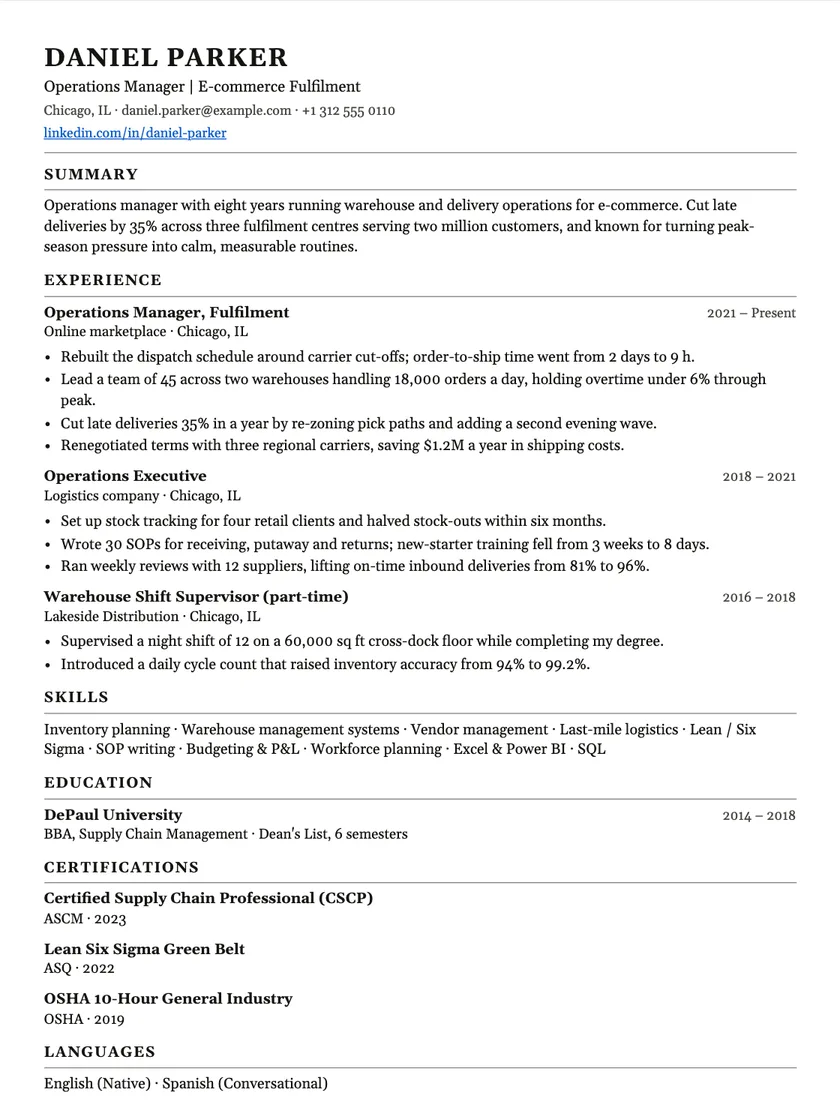
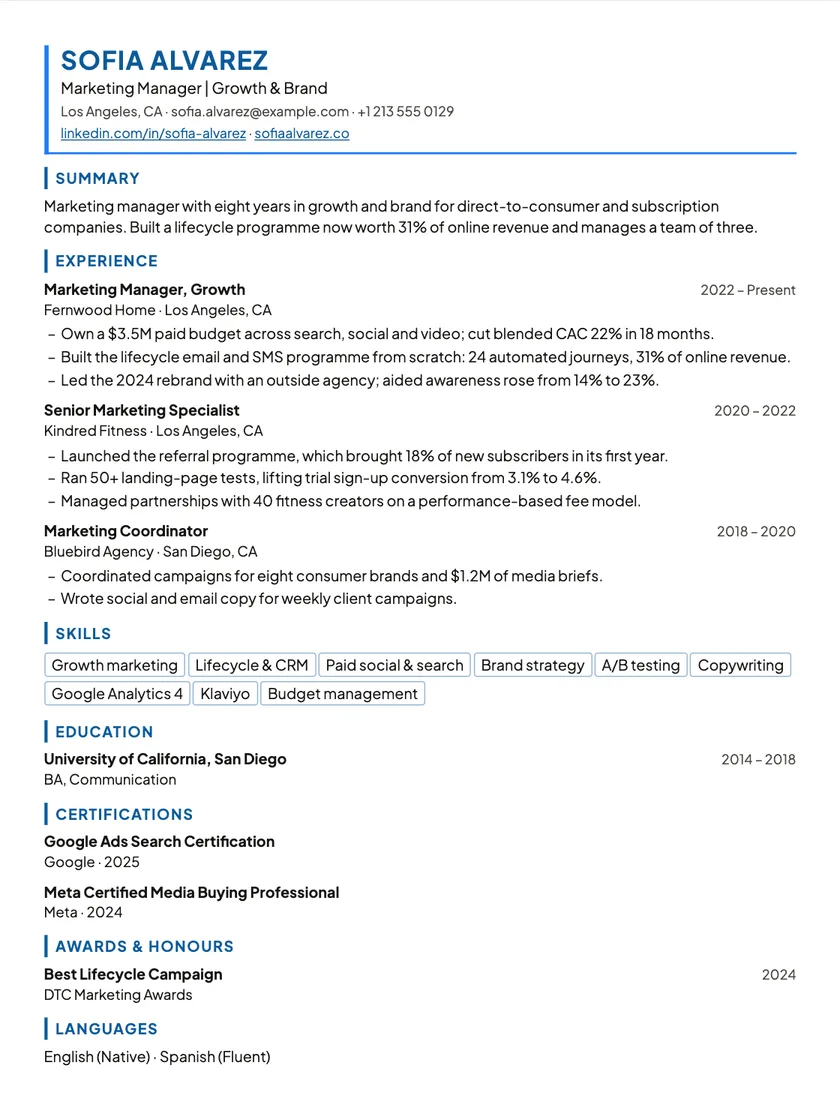
AI job matcher

Paste the job description. See what your resume is missing.

You get a score, four sub-scores and two lists: what already matches and what does not. It reads only the ad you pasted and the resume you picked.

  • Tick the missing skills you actually have. They are added to this resume, nothing else.
  • If the job is in a different field, it says so and offers to trim off-field roles from this copy only.

Optimize with AI

Every change is shown before it lands.

Optimize rewrites your summary, strengthens weak bullets with the wording from the ad, and moves the most relevant work to the top.

  • Each suggestion appears as before and after, and the estimated match score updates as you keep them.
  • Keep the ones you like. Finish with two changes or with none.

Applications and insights

Know what gets replies.

Log each application with the resume you sent, then move it from applied to interview to offer. Insights counts the rest.

  • Interview and offer rates per resume, counted from what you tracked. Nothing estimated, nothing AI-written.
  • Rates appear only once you have five applications, so one lucky week does not mislead you.

AI resume quality check

A resume checker that reads like a recruiter, against a written standard.

ResumHero keeps one written standard for what a strong resume looks like: value over duties, evidence behind every skill, formatting that parses cleanly. The quality check reads your resume against it and tells you what already works, what to fix, why it matters, and how.

  • Strengths first, then findings ranked critical, high, medium and polish.
  • Every finding says why it matters and gives a rewrite when the facts allow one.
  • When a number is missing, it asks you instead of inventing one.
  • Nothing is changed for you. Open the section, decide, edit.
Check my resume

What it reads for

01
Headline and contact
A role-specific headline under your name. City and country, not a street address. LinkedIn, plus a portfolio or professional profile when your field uses one.
02
Summary
Two to four lines: your specialisation, the problems you solve, one credible result. “Hardworking” and “passionate” without evidence get flagged.
03
Experience bullets
Problem, what you did, the method, the result. Bullets that start with “Responsible for” or only list duties are the most common finding.
04
Skills with evidence
Every important skill should show up in a role or a project. A long list with nothing behind it is a finding.
05
Projects
What it was, who it was for, your part in it, and the result. A list of tools on its own is not a project.
06
ATS and writing
One column, standard headings, consistent dates and tense, no unexplained acronyms, nothing repeated across sections.

How findings are ranked

  1. Critical. An ATS or clarity problem: a missing title, a layout a parser cannot read.

  2. High. A content weakness: experience that lists duties but not problems or impact.

  3. Medium. A useful improvement: a missing link, a weak summary.

  4. Polish. Wording, punctuation, spacing. Optional.

What the AI will and will not do

This is the part most builders are vague about, so here it is in plain terms.

It will

  • Read a job ad and score your resume against it, with the gaps listed.
  • Review the whole resume against a quality standard and rank what to fix.
  • Draft a cover letter from the resume and the ad.
  • Read your old PDF or Word (.docx) resume into a profile.
  • Organize what you imported from LinkedIn into a resume, rewording only.

It will not

5 things it never does

  • Invent a job, a date or a number. A starter resume suggests typical skills for the role, which you keep or delete.
  • Change your resume without showing you the change first.
  • Write your insights. Those are counted from what you tracked.
  • Hold your files hostage. PDF and Word export stay free.
  • Keep a copy of the resume file you import. It is read, then discarded.

Pay for a week, a month or a year.

Free is free for as long as you need it. Premium is for the weeks you are applying seriously.

Free

$0

for as long as you need it

Career profile, with resume and LinkedIn import
Included
Resumes
1
Templates
Graduate
Quality checks
3, once
Tailoring runs (job matcher and Optimize)
3, once
Cover letters
3, once
AI writing (resume imports, the AI starter, LinkedIn organizing)
3, once
Allowances renew
Never: given once
Fair-use limit per 24 hours
30 AI requests
Editor, with unlimited edits
Included
ATS check
Unlimited
PDF and Word export
Included
Application tracker and insights
Included
Payment
None, no card
Cancel
Nothing to cancel
Refund
Not included
Start free

Premium7-day pass

Try it for a week
$2.99

one payment, expires by itself

Career profile, with resume and LinkedIn import
Included
Resumes
As many as you need
Templates
Every template
Quality checks
15 for the week
Tailoring runs (job matcher and Optimize)
15 for the week
Cover letters
15 for the week
AI writing (resume imports, the AI starter, LinkedIn organizing)
150 for the week
Allowances renew
Once, for your 7 days
Fair-use limit per 24 hours
120 AI requests
Editor, with unlimited edits
Included
ATS check
Unlimited
PDF and Word export
Included
Application tracker and insights
Included
Payment
One payment
Cancel
Never renews
Refund
Not included
Start free

PremiumMonthly

$7.99/mo

cancel anytime

Career profile, with resume and LinkedIn import
Included
Resumes
As many as you need
Templates
Every template
Quality checks
50 a month
Tailoring runs (job matcher and Optimize)
50 a month
Cover letters
50 a month
AI writing (resume imports, the AI starter, LinkedIn organizing)
500 a month
Allowances renew
Monthly, from your start date
Fair-use limit per 24 hours
120 AI requests
Editor, with unlimited edits
Included
ATS check
Unlimited
PDF and Word export
Included
Application tracker and insights
Included
Payment
Renews monthly
Cancel
Anytime, from Manage billing
Refund
First payment, within 14 days
Start free

PremiumYearly

Best value
$49.99/yr

works out to $4.17 a month

Career profile, with resume and LinkedIn import
Included
Resumes
As many as you need
Templates
Every template
Quality checks
40 a month
Tailoring runs (job matcher and Optimize)
40 a month
Cover letters
40 a month
AI writing (resume imports, the AI starter, LinkedIn organizing)
400 a month
Allowances renew
Monthly, from your start date
Fair-use limit per 24 hours
120 AI requests
Editor, with unlimited edits
Included
ATS check
Unlimited
PDF and Word export
Included
Application tracker and insights
Included
Payment
Renews yearly
Cancel
Anytime, from Manage billing
Refund
First payment, within 14 days
Start free

Start free, upgrade inside the app. No hidden renewals. The 7-day pass simply expires; Monthly and Yearly renew until you cancel. Payments are handled by Polar. Your resumes stay yours and downloadable on Free.

Things people ask before they sign up

What do I get without paying?

One career profile, one resume, the Graduate template, PDF and Word export, and three quality checks, three tailoring runs, three cover letters and three AI writing requests, given once to start you off. When the allowance is used up you can still edit and download your resume. Premium adds every template, unlimited resumes and up to 50 quality checks, tailoring runs and cover letters a month, from a $2.99 7-day pass.

Is ResumHero a resume builder or a CV builder?

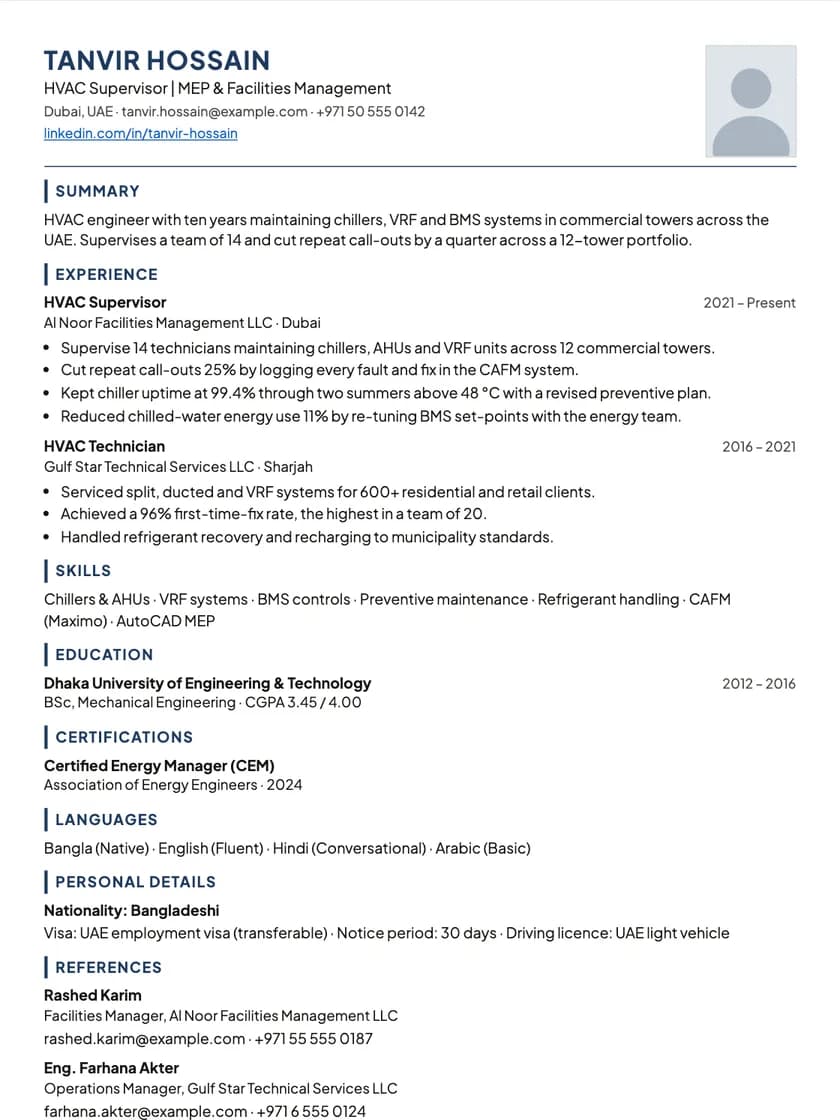
Both. It is the same document with two names: “resume” in the US and Canada, “CV” in the UK, Europe, Bangladesh and India. The templates cover both conventions, including an International CV layout with an optional photo for European applications. Whatever you call it, it exports as PDF and Word.

What does ATS-readable mean here?

Applicant tracking systems read the text of your resume before a person does. Tables, columns and graphics often come out scrambled. The 15 ATS-friendly templates put the text in one column in reading order with real headings, so your details arrive intact. Premium also has design layouts with a sidebar, banner or timeline; the app labels them “Design · limited ATS”, because some tracking systems read them out of order. The ATS check in the editor shows how a parser reads your own resume, from contact details to dates and bullets, and it is free to run as often as you like.

Can I import my existing resume?

Yes, as a PDF or DOCX up to 10 MB. The import reads your roles, skills, projects and education into a career profile, and you review each section before it is saved. If your career lives on LinkedIn, you can also build from LinkedIn (see below).

Can I build a resume from my LinkedIn profile?

Yes. Choose “Build from LinkedIn”, sign in on LinkedIn and approve access. LinkedIn only shares your name, email address and profile photo with apps, not your work history, so the same step asks for LinkedIn’s own profile PDF (“Save to PDF” on your profile) to bring in your roles, education and skills. You review everything, then pick a template or let the AI organize it, and nothing is saved until you choose to. We keep no access to your LinkedIn account and never post to it.

Do you keep the resume file I upload?

No. The file is read once to fill in your profile, then discarded. We keep only its name, type and size as a record of the import. What stays is what you approved into your profile or resume, and you can edit or delete that at any time.

What does the quality check actually look at?

A written standard for strong resumes that ResumHero maintains: a role-specific headline, professional contact details, a summary with evidence, experience bullets that show a problem and a result rather than a list of tools, skills backed by a role or project, and one-column ATS-safe formatting. It lists what already works, then each finding with its severity, why it matters, what to change, and a rewrite where the facts allow one. It never edits your resume for you.

Does the AI make things up about me?

No. Optimize’s rewrites rephrase what you already wrote. The job matcher only adds skills you tick yourself. Starting from a job title gives you sections and prompts, not invented jobs or dates. Where a line needs a number it cannot know, it leaves that to you.

Which file formats can I download?

PDF and DOCX. The Word file has the same content in the same order as the PDF, for the applications that insist on an editable file. Both are free on every plan.

Can I add a photo?

Yes, on Premium templates with a photo slot, such as the International CV: click the slot on the page. Upload a JPEG, PNG or WEBP and it is cropped to a portrait automatically. Templates without a slot leave it out, which is what you want for most US and UK applications.

Does tailoring to a job change my profile?

No. Every change from the matcher applies to that one resume. Your profile and your other resumes stay exactly as they were.

Can I add sections the builder does not have?

Yes, up to ten custom sections per resume. Awards, publications, volunteering, languages and talks are the usual ones. Each entry takes a title, subtitle, date, link, description and bullets.

Still unsure? Write to hello@resumhero.com.

Start with the resume or CV you already have.

Upload it, check what the import found, and make your first tailored version tonight.

Start freeNo sign-up to start. A free account when you download.